Color analysis software for stylists
Color analysis software for stylists saves the season and palette on the client, then puts it to work on the closet they own and the clothes they try on in a store.
What the palette does once the client leaves
A digital palette is easy to get now. A client paying around $300 for a session expects the result to still help in a fitting room three months later.
The season, saved
You call the season after the drape, and it’s saved on the client record with the palette that goes with it.
The closet, sorted by season
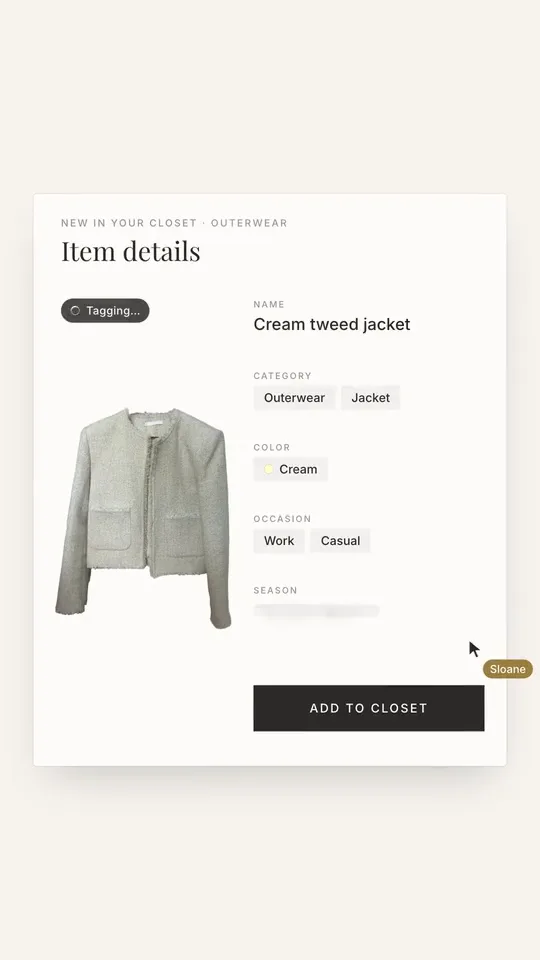
Open any client’s closet and filter it by how each piece sits against their season: in season, caution, or avoid.
The rack, checked
In a store, scan a garment against that client’s palette and see whether it’s their color, with in-season alternatives. A piece worth keeping saves straight into the client’s closet.
The rest of the practice
The analysis sits on the same record as the client’s sizes, sessions, lookbooks, and invoices, so the color work carries on past the day of the drape.
What goes missing after a session
- 01The palette, in a PDF the client opened once.
- 02A closet that nobody has sorted against the season.
- 03A coat bought in the wrong navy because the swatch fan stayed in the car.
- 04The same client typed into a color tool and again into whatever holds the booking.
- 05A season you want to revise, in a file you can’t find.
Which plans include it
- Pro, $129 a month: the analysis, the closet sorted by season, and the in-store scanner.
- Atelier, $239 a month: all of Pro, plus a digital draping studio and a color guide under your name.
- Starter, $49 a month, doesn’t include color analysis.
When color is the whole practice
If color analysis is most of what you sell, the software for color analysts is written for that, with plans priced around it. This page is for personal stylists who style, shop, and edit closets and add color to the list.
Questions
What is color analysis software for stylists?+
Software a personal stylist uses to run a client’s color analysis and keep the result, with the season, the palette and your notes on the client’s record. The useful kind also lets you use that palette afterward.
Which season systems does the editor support?+
Four, twelve, and sixteen seasons, plus sub-seasons. Twelve is the default, and the editor opens on the system you used last. Systems built on 23 or 35 palettes, and tonal systems, aren’t in the editor.
Is there a free trial?+
Pro and Atelier both begin with 14 free days, and the first 7 need no card.
How does this compare with Hathaura?+
Hathaura is built around the analysis and prices by plan with a set number of analyses included: $34, $69, and $104 a month at its promotional rates, against $49, $99, and $149 list, as read on September 9, 2026. Stylement puts the analysis on a client record that also holds the closet, sessions, and lookbooks. The comparison page sets the two side by side.
Contracts and invoicing
Contracts, e-signing, invoices, retainers, and deposits, built for styling.
Client proposals
Branded proposals your clients sign and pay on one page.
Client book (CRM)
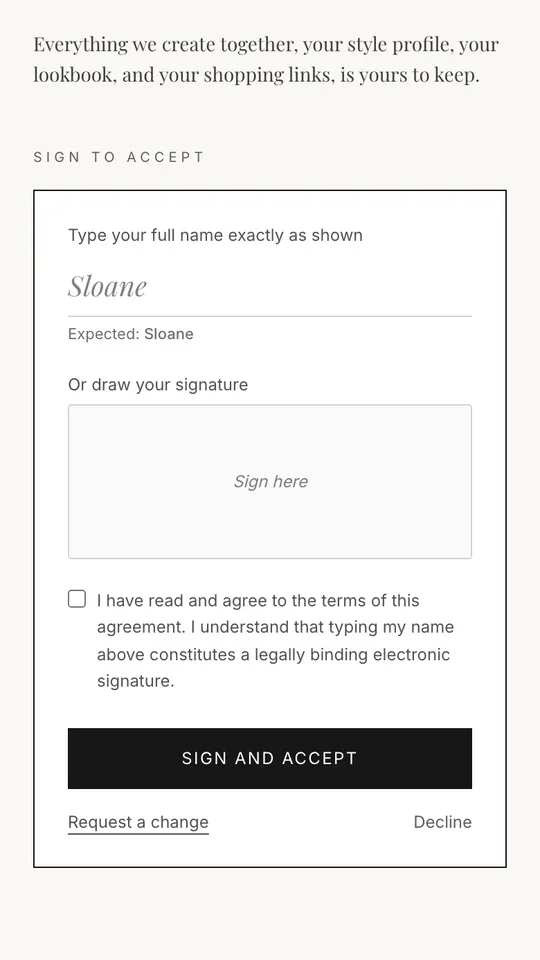
Every client profile, sizes, colors, sessions, closet, and lookbooks in one record.
Client closets
Every client wardrobe cataloged on that client’s record, searchable and filterable by season.
Booking and scheduling
Self-serve booking with deposits, reminders, and a cancellation policy.
Shoppable lookbooks
Interactive lookbooks built from your client’s closet, opened in a browser under your brand.